MP3 to MIDI
Your audio stays in your browser.
Choose a file to begin.
MIDI result
Your MIDI will appear here.
One clip, three converters
A recorded full-band excerpt, the same input, three exported MIDI files. Tested on October 27, 2026. These are competitor observations, not measurements of this tool.
| Tool | Note events | Dedicated drum track | Pitch spot checks |
|---|---|---|---|
| Jukeblocks | 79 | No separate percussion channel | 29 / 29 |
| Convert Town | 48 | Off by default; detection message | 29 / 29 |
| Spotify Basic Pitch | 78 | No separate percussion channel | 29 / 29 |
Local spot checks, not whole-clip accuracy. This is not a ranking. Different note counts are not error counts. We did not establish a shared wrong-note or missing-melody problem.
Method, sources and screenshots
Input: Music Delta Multitracks, “80s Rock”, approximately 6.8 seconds, from the official MUSDB excerpt collection. The license table identifies this recording as CC BY-NC-SA; MUSDB documentation identifies MedleyDB material as CC BY-NC-SA 4.0. Audio and MIDI adaptations are not redistributed here.
All three received the same MP3. Independent bass and vocal stems were checked using autocorrelation: 120 ms windows, 100 ms sampling intervals; RMS ≥ 0.015, normalized autocorrelation ≥ 0.90, inferred pitch within 0.20 semitones of an integer MIDI note. These analyst-selected filters retained 29 points. Each export contained the inferred pitch at each retained point. This is automatic screening, not human-annotated ground truth. Timing, pitch bends, instrument assignment and the rest of the clip were not validated. Playback controls were exercised; no subjective listening assessment is claimed.
Convert Town explicitly reported no clear drums and disabled its drum track, despite a supplied drum stem. A missing separate percussion channel in the other exports does not prove every drum onset was omitted. Earlier upload/WebGL issues were environment observations; Spotify subsequently completed after manual file selection.
Jukeblocks screenshot · Convert Town screenshot · Spotify screenshot · Machine-readable spot checks
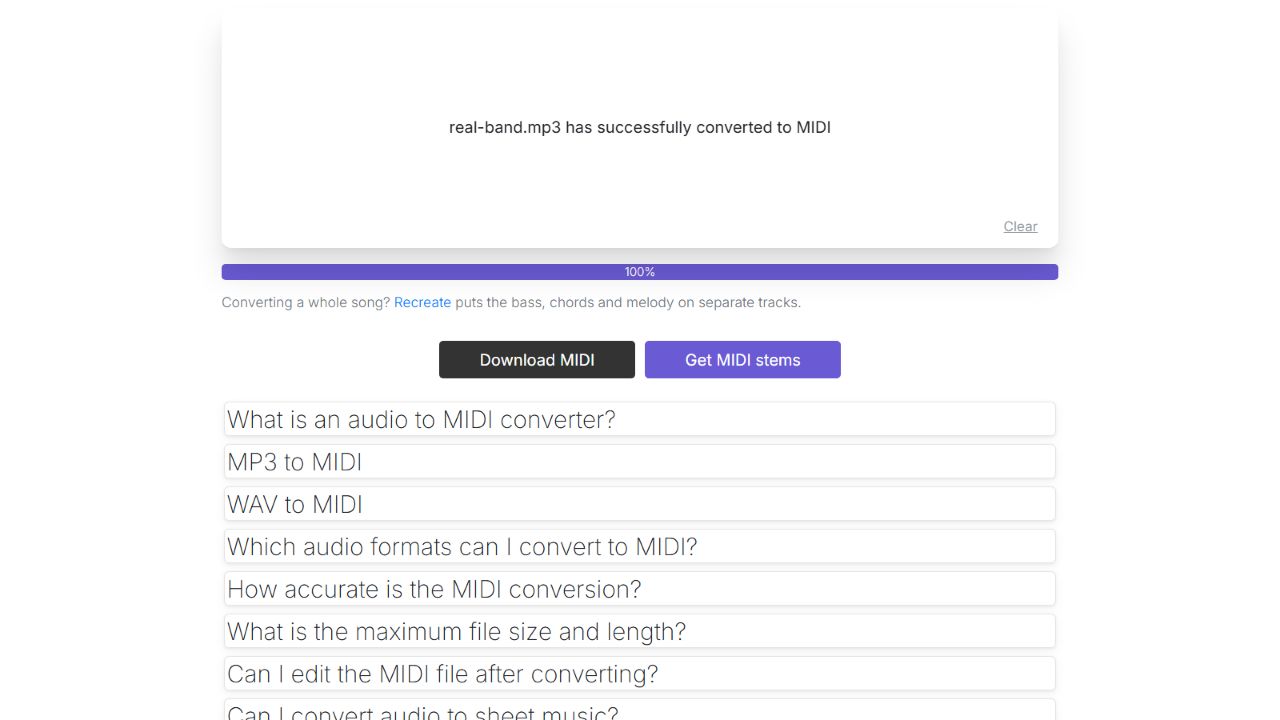
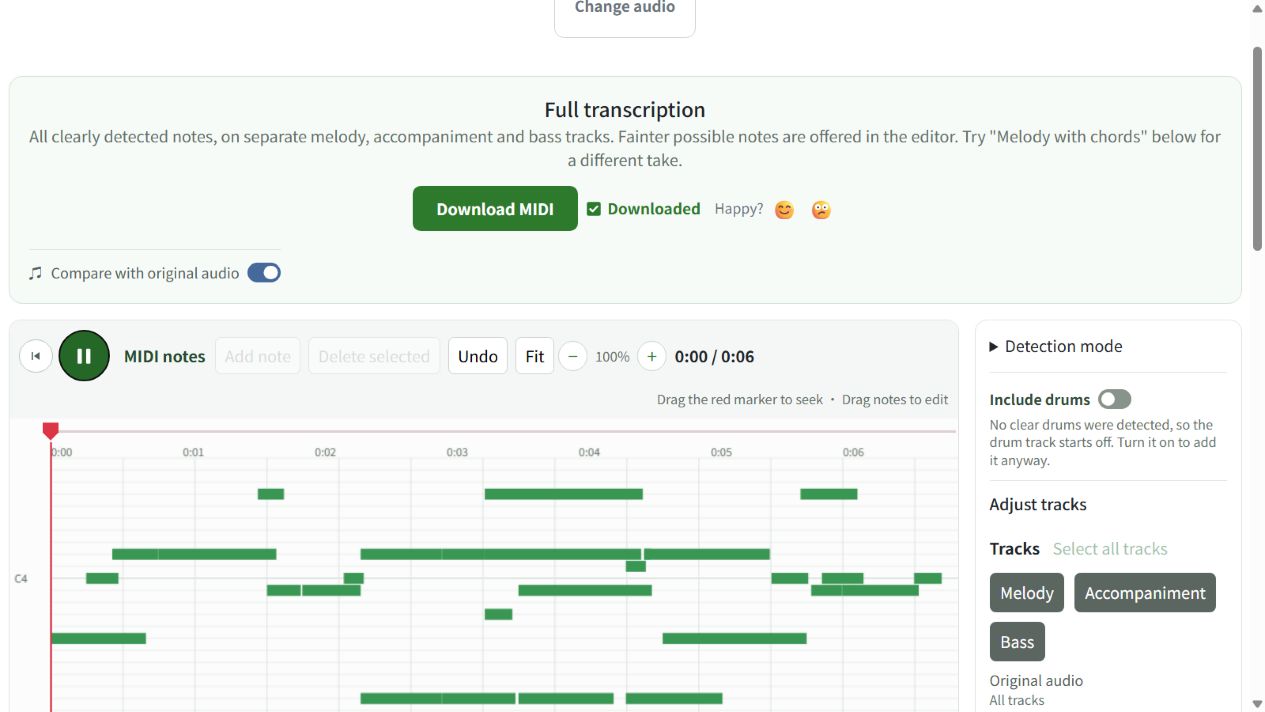
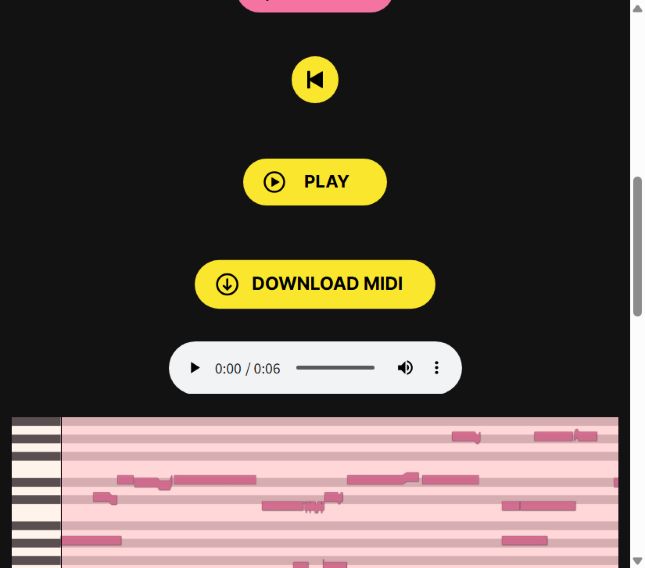
Input SHA-256: 3253e9a13aed0c724d9764242ecd162a13943dc46ca45f2bd564226af963a71f
From a recorded idea to editable notes
For music makers bringing a short melody or single-instrument recording into a DAW: turn an MP3 or WAV into editable MIDI, with visible note output and published test methods to help you judge the limits.
What this converter does
Audio is decoded, mixed to mono and resampled to 22,050 Hz in your browser. Spotify’s open-source Basic Pitch model estimates pitched notes; we export a standard MIDI file at 120 BPM while preserving note times in seconds. Export tempo is a file setting, not a detected song tempo. This version does not separate instruments, transcribe drums or export pitch bends. Dense mixes need manual review.
Does MIDI preserve the original sound?
No. MIDI stores note events, not audio. Open the download in your DAW and choose an instrument. Compare against the original recording and edit notes before relying on it.
What happens to my recording?
The file stays on your device. The browser downloads the model and code from this site, then processes your audio locally. Closing the tab clears this session. The 30-second and 20 MB limits are this tool’s processing limits, not model accuracy claims.
Can I use this without a graphics processor?
The converter uses the CPU backend, so WebGL is not required. Processing speed depends on your device. A short clip is a good starting point.